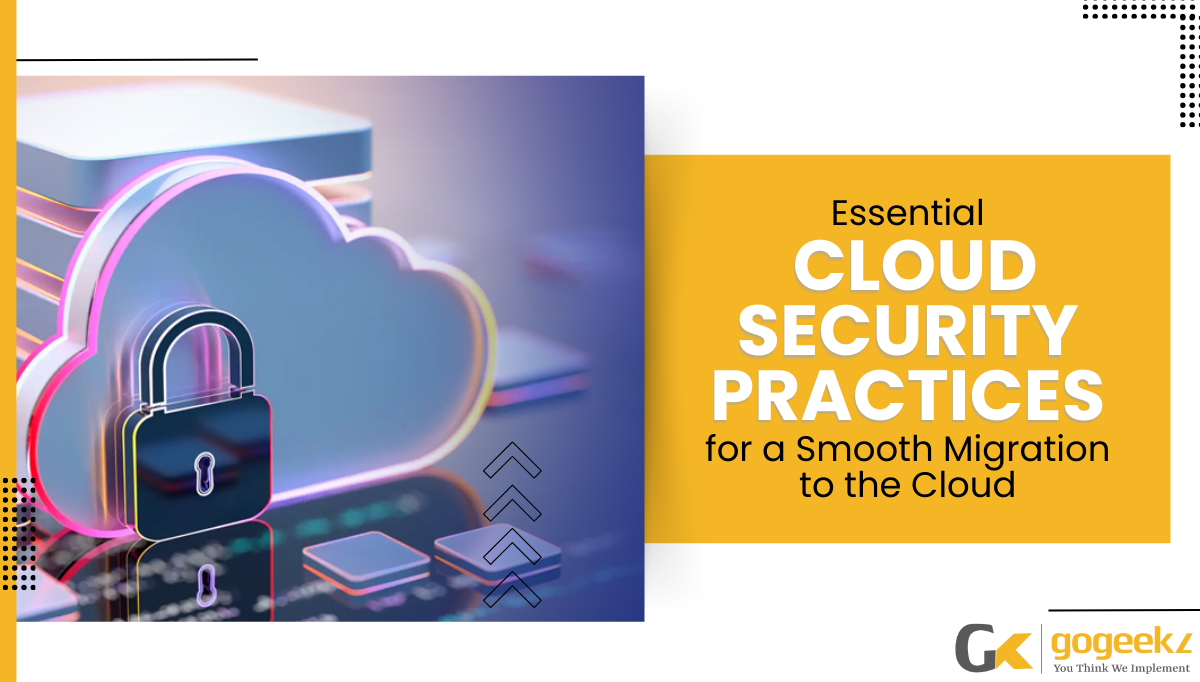

Introduction: Security Can’t Be an Afterthought in Cloud Migration
Cloud migration offers Canadian businesses real benefits — reduced infrastructure costs, greater flexibility, and improved disaster recovery. But moving to the cloud without a security-first approach can expose your organization to new risks that didn’t exist in your on-premises environment.
The most common cloud security failures aren’t caused by sophisticated attacks — they’re caused by misconfigurations, inadequate access controls, and rushed migrations that skip security checkpoints. Here are the essential cloud security practices every GTA business must follow.
1. Conduct a Pre-Migration Security Assessment
Before moving anything to the cloud, assess your current security posture. Identify what data you’re migrating, classify it by sensitivity, and determine which compliance frameworks apply (PIPEDA for personal data, PHIPA for health information). This assessment shapes every security decision that follows.
2. Apply the Principle of Least Privilege
Cloud environments make it easy to grant broad access — and easy to forget those grants are in place. Every user, service account, and application should have only the minimum permissions needed to function. Audit access rights before, during, and after migration to eliminate privilege creep.
3. Encrypt Data at Rest and in Transit
All data migrated to the cloud should be encrypted using AES-256 at rest and TLS 1.3 in transit. For regulated industries, encryption must be paired with proper key management — storing encryption keys separately from the encrypted data itself.
4. Enable Multi-Factor Authentication (MFA) on All Cloud Accounts
Cloud admin consoles are high-value targets. MFA should be mandatory for every account that can access your cloud environment — especially administrative and privileged accounts. This single control blocks 99.9% of credential-based attacks on cloud platforms.
5. Configure Cloud Security Monitoring and Alerting
Native cloud security tools like Microsoft Defender for Cloud, AWS CloudTrail, or Google Cloud Security Command Center provide real-time visibility into your environment. Enable logging for all services, configure anomaly alerts, and integrate with your SIEM or managed security provider.
6. Establish a Shared Responsibility Model Understanding
Cloud providers (Microsoft, AWS, Google) secure the infrastructure — you’re responsible for securing what you put on it. This includes configurations, access controls, data classification, and application security. Many breaches occur in the gap between what providers protect and what customers assume is protected.
7. Test Your Migration Security Controls
Before going live, run penetration tests and configuration reviews against your cloud environment. Validate that your security controls work as expected — don’t assume they do. Post-migration security reviews should happen at 30, 60, and 90 days to catch issues introduced during cutover.
GoGeekz Cloud Migration Security Services
GoGeekz manages cloud migrations for Toronto and GTA businesses with a security-first methodology. Our team handles pre-migration assessments, secure architecture design, identity and access management, and post-migration monitoring — ensuring your cloud environment is protected from day one.
Talk to our cloud security team before your next migration.